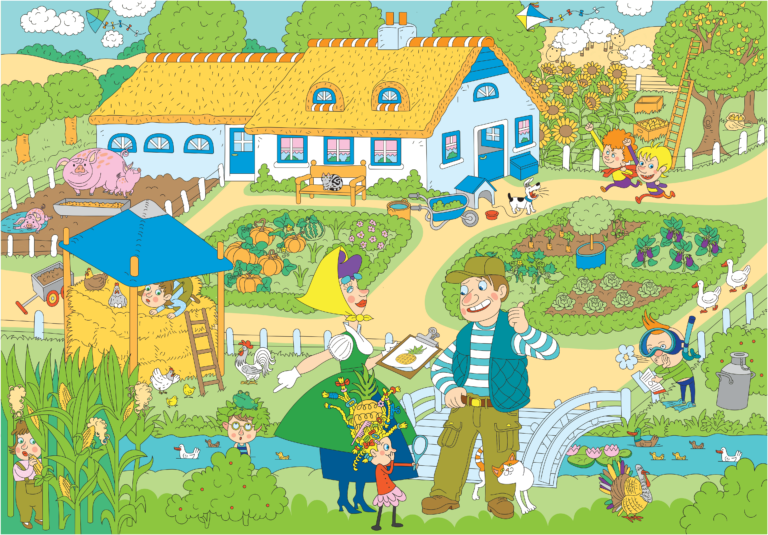
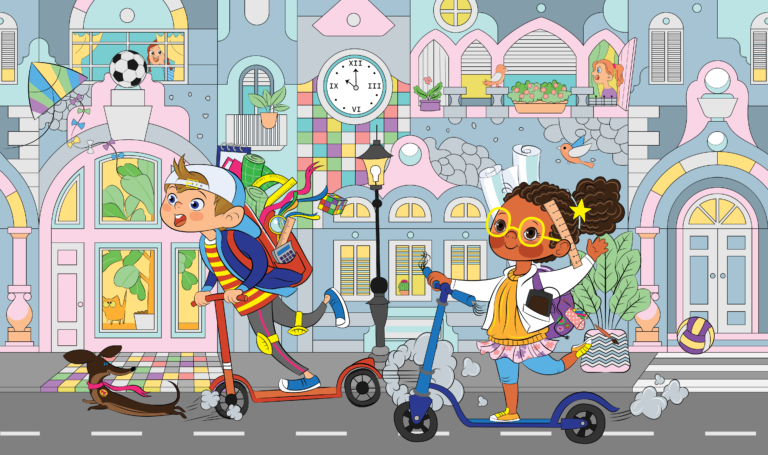
Find the things on the list. Take your time.
Search with the mouse or arrow keys. Select with a click, Enter or Space. Use the wheel over the picture to zoom and drag to move the enlarged picture. Outside the picture, scroll the page normally.
Tap the place you have found. Spread two fingers to zoom and drag to move the enlarged picture. Scroll the page outside the picture.
Arrow keys work as soon as the picture is ready and after entering full screen. They continue from the last mouse position, or from the centre of the visible picture if you have not used the mouse. Enter or Space selects once. Move the mouse to take over again. + and − zoom; 0 or Home fits the picture. Tab is another way to enter or leave the picture. Escape closes a preview or larger view; the browser also exits full screen.
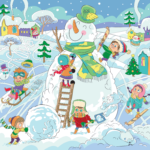
Children play around a giant snowman while nine shapes hide in the snowy winter scene. Find 9 items from the list. Match their shapes and details in the picture.
Find 9 items from the list. Match their shapes and details in the picture.
A little pause for your ears
Play
Games may start music automatically. Your pause is remembered; your browser may require Play.
Classical music while you play
Gymnopédie No. 1 — Erik Satie. Arrangement and piano performance: Kevin MacLeod (incompetech.com). CC BY 4.0 International
No matching languages.